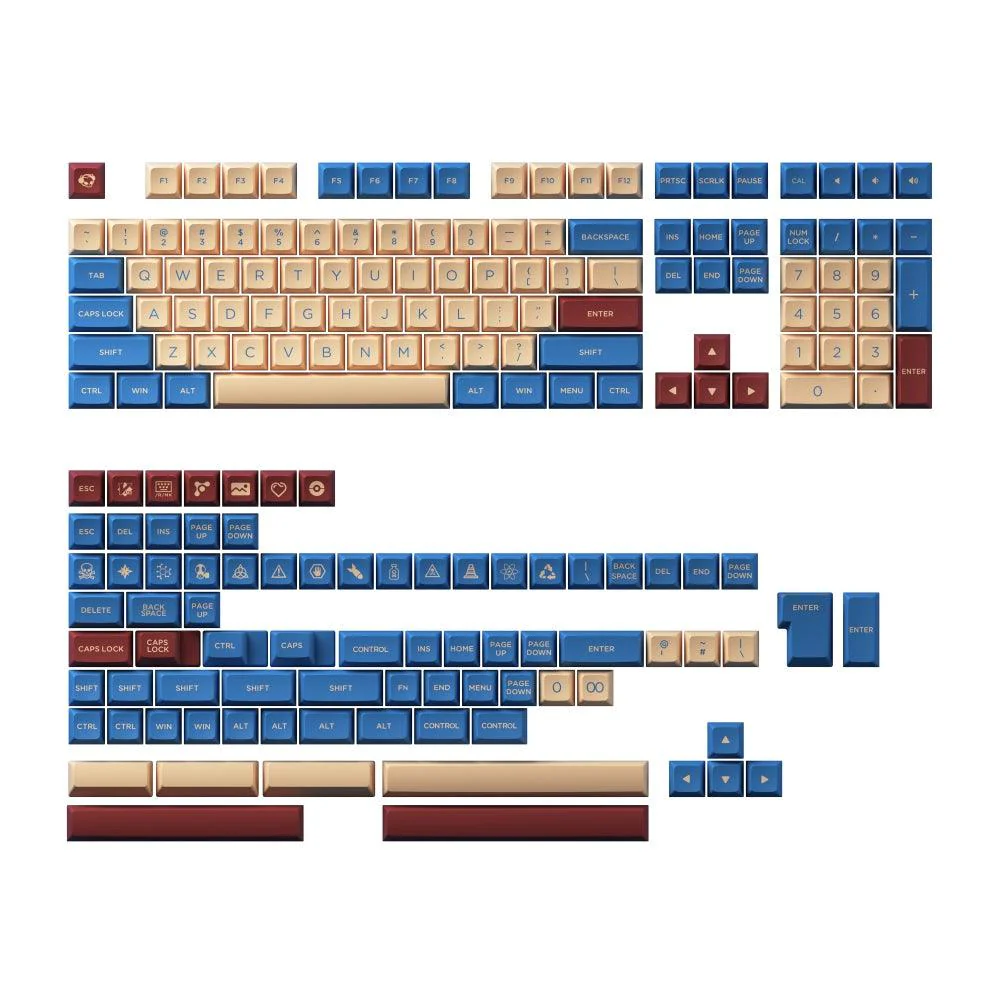
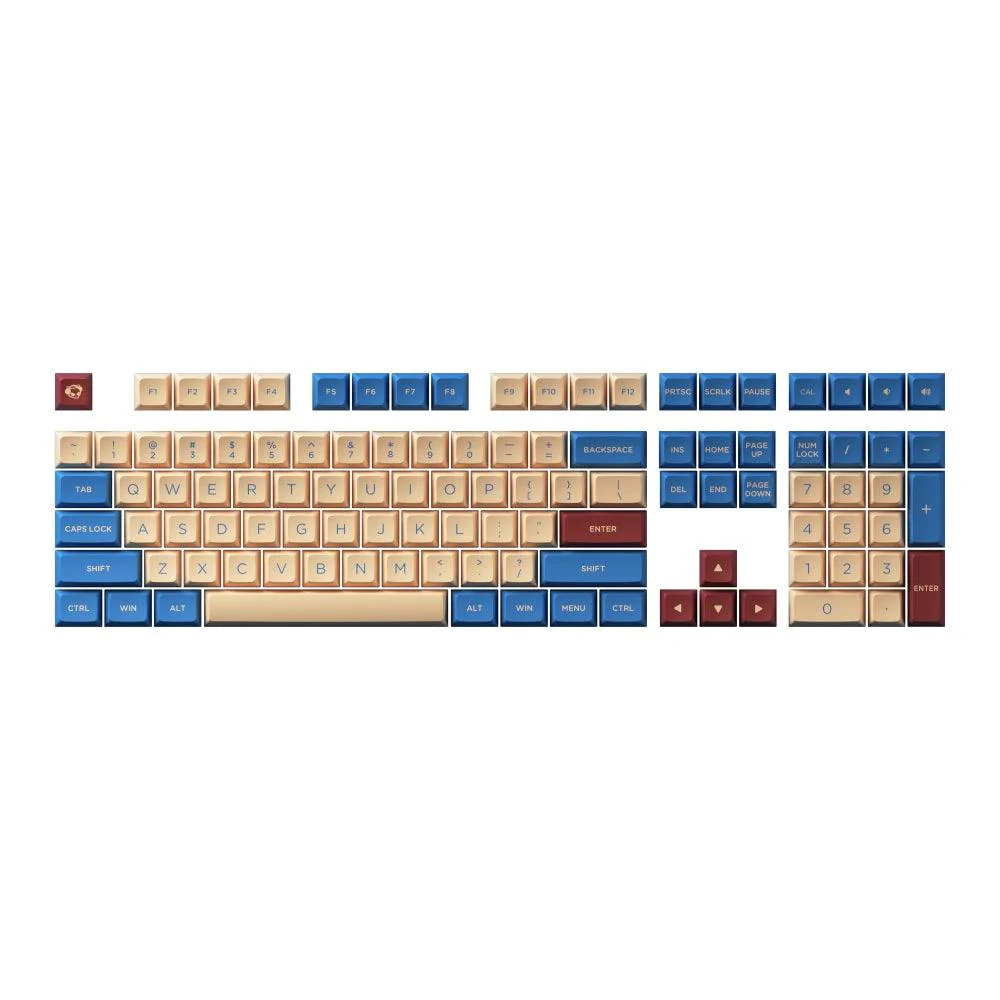
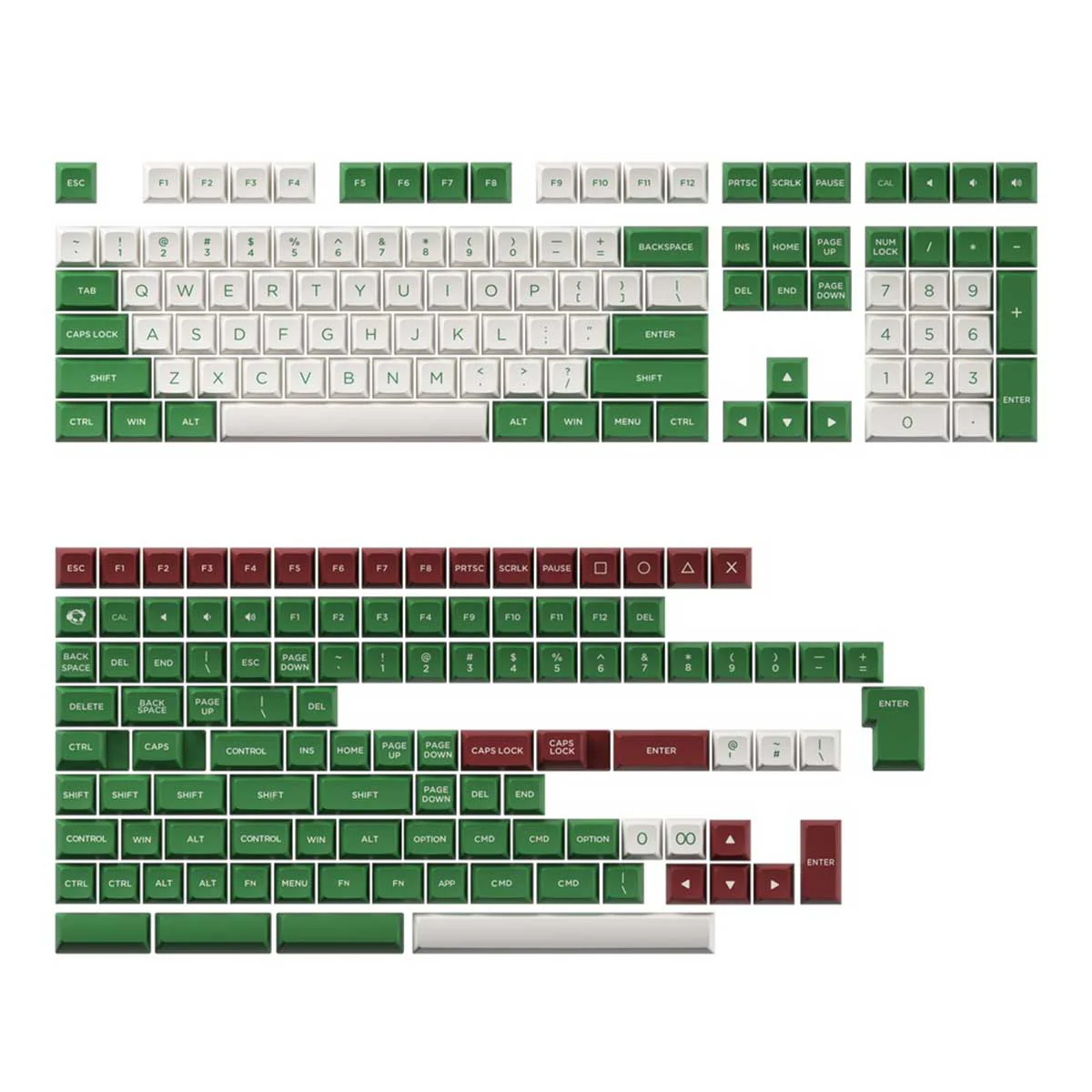
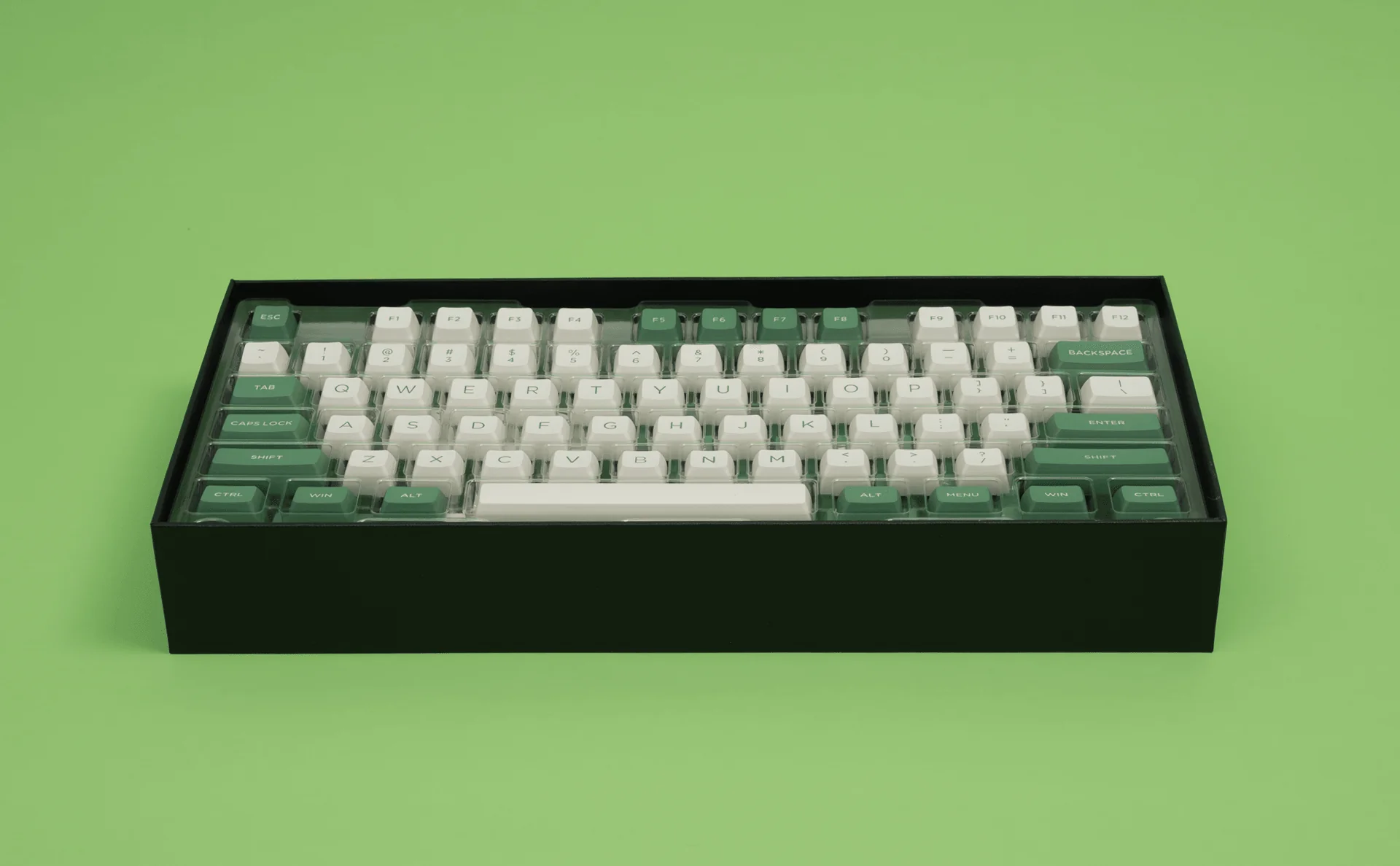
E-Yooso HZ-68 RGB 68-Keys Hot-Swappable Mechanical Keyboard White (Magnetic Switch)



Specifications:
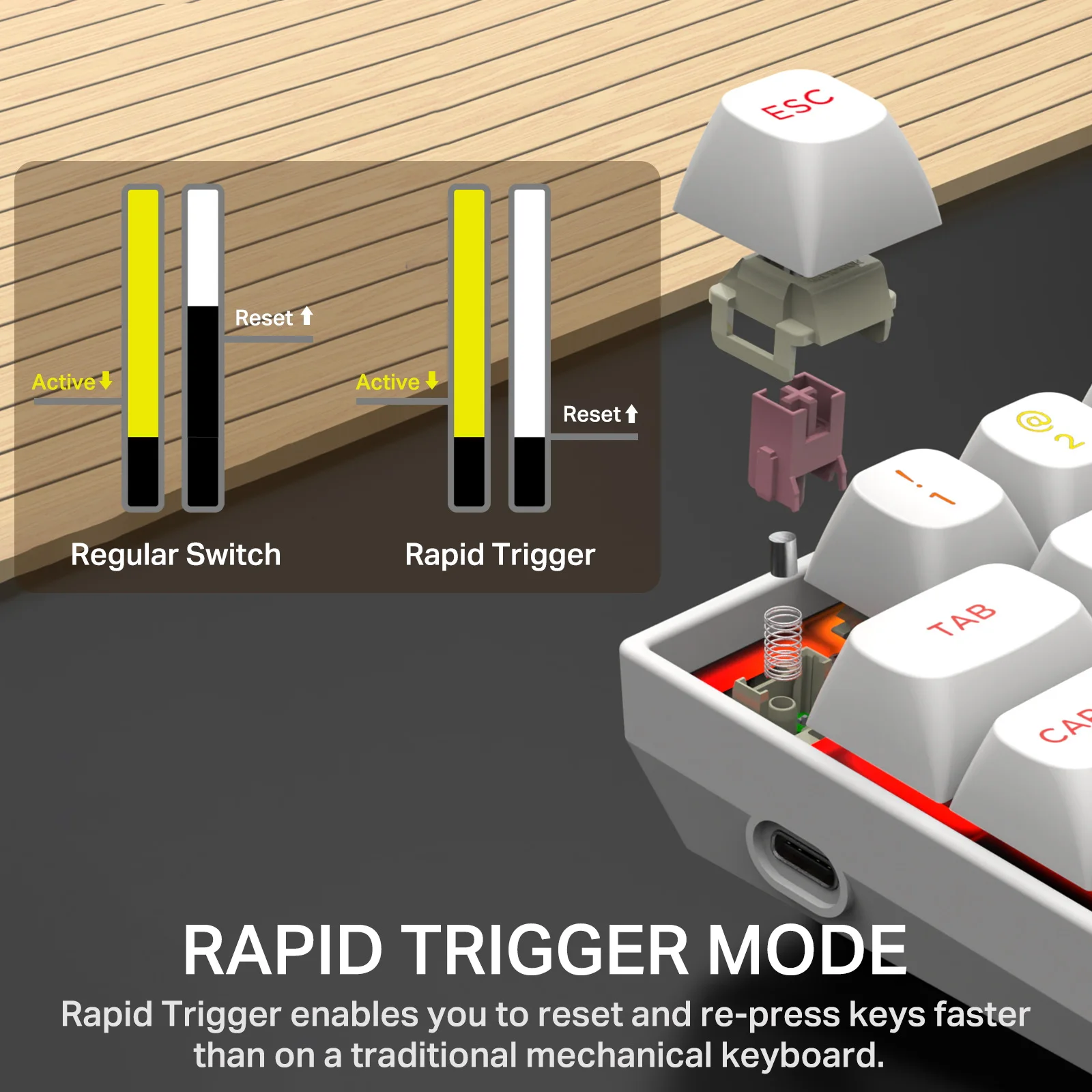
e-Element Hz-68 Rapid Trigger Mechanical Gaming Keyboard 68 Keys Magnetic Axis Switch
• Adopts a magnetic shaft switch for a comfortable feel.
• Ergonomic Design
• Hall switch for comfortable use.
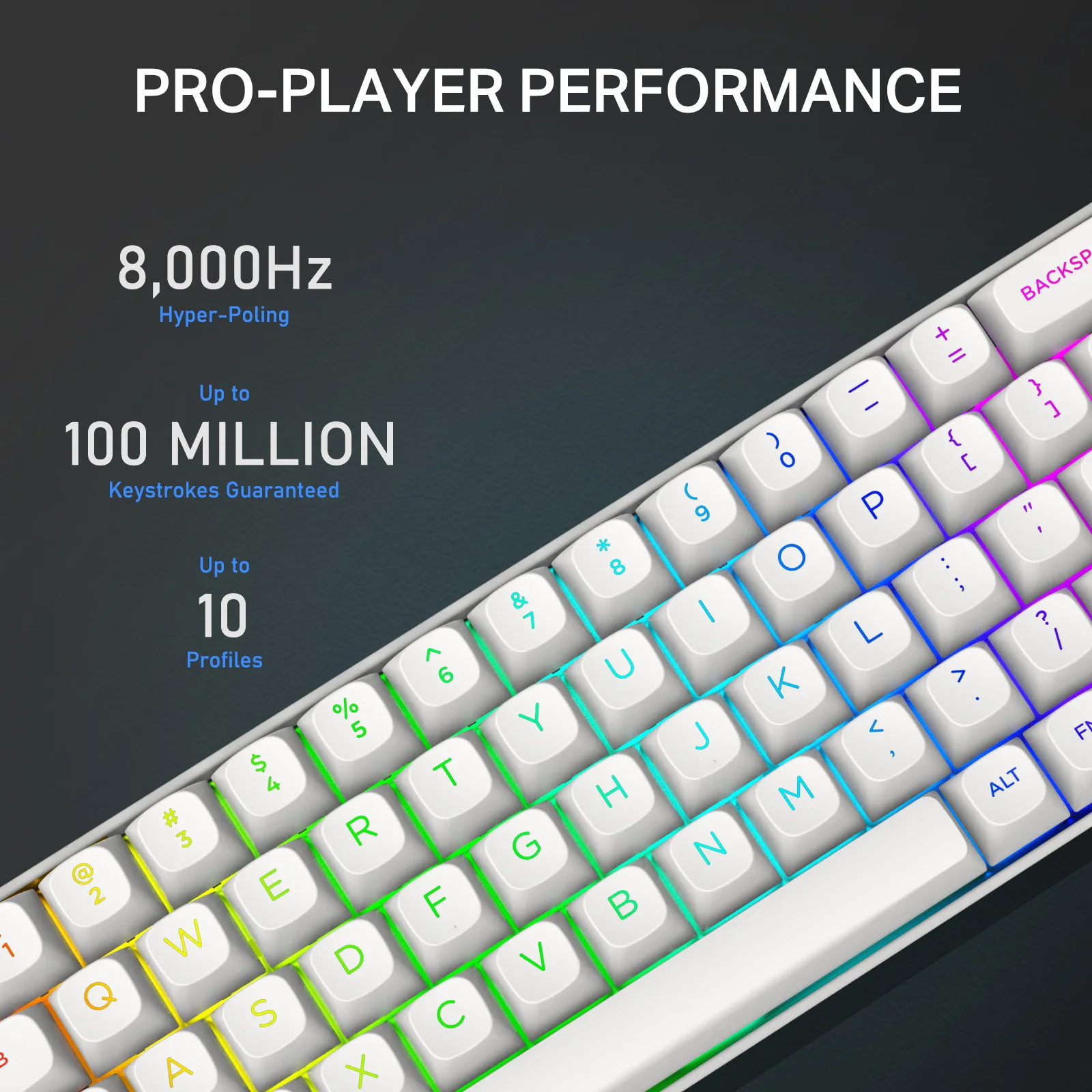
• Supports RGB LED backlight, 14 types of light switching.
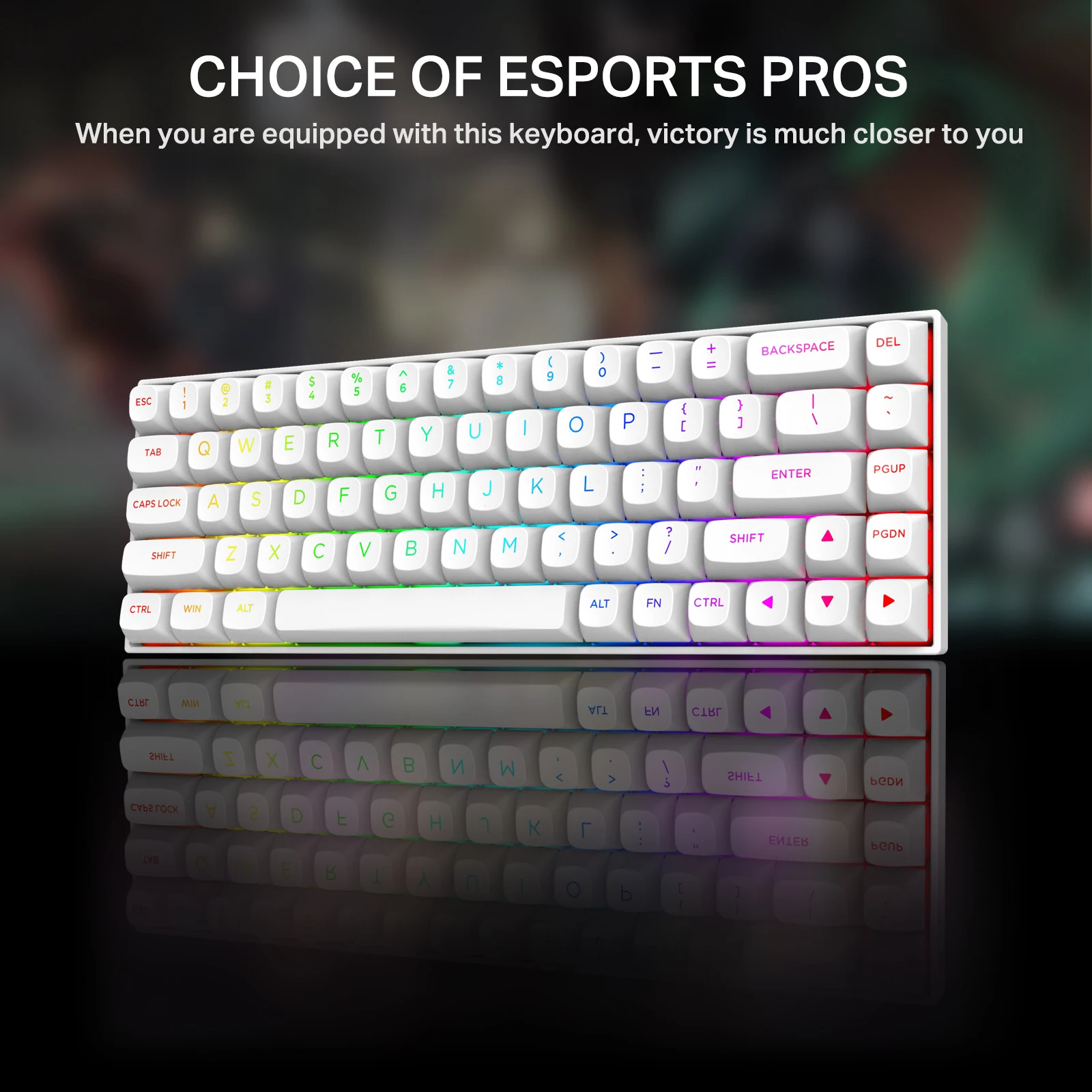
• Compact design with 68 keys.
• Adopts a PBT key cap.
• L-type USB-C wired connection.
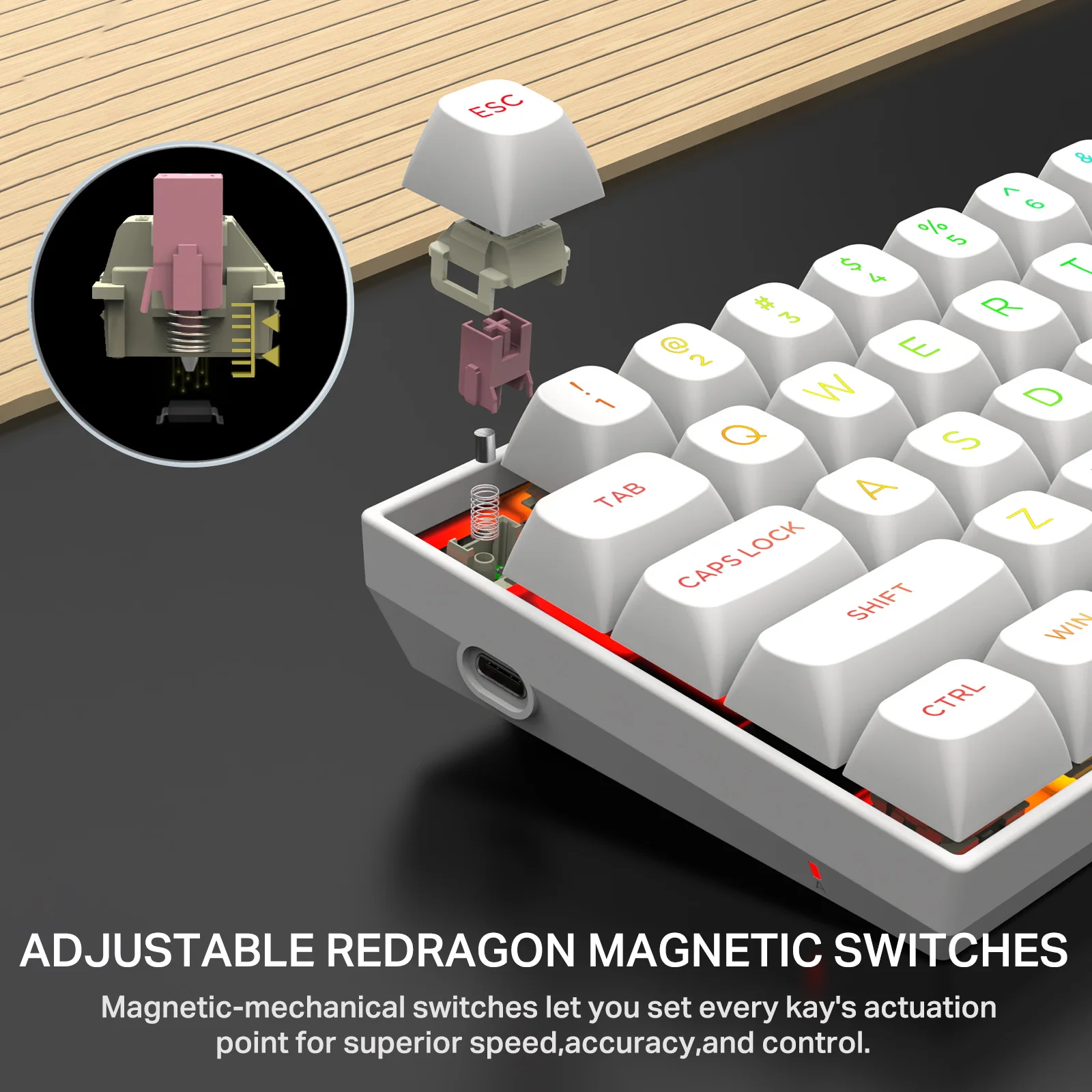
Adopts a magnetic axis key switch.
• The entire Hz-68 keyboard is equipped with an adjustable switch, and the working range can be flexibly adjusted from 0.1mm to 4mm, providing a variety of pushing senses for gaming and typing, resulting in cleaner sound and smoother keypepering.Designed for FPS games that provide excellent performance in the game.
• Magnetic axis keyboard is fast response, high sensitivity, fast input and operation, suitable for gaming and efficient work scenes.
RGB LED backlight
• Press the FN + SHIFT key to switch between lighting modes.
• Press the FN + "↑" / "↓" key to adjust the brightness of the light, Capital A indicator will flash 3 times when adjusted to the maximum setting and off.
• Press FN + "<" / "→" key to adjust the speed of the animation, and set it to the smallest gear and the smallest gear, the Capital A indicator will flash 3 times.
• Press FN + enter key to adjust the color of the backlight.Red, Green, Blue, Yellow, Pink, Cyan, White, RGB
Product Information
Product Information
Shipping & Returns
Shipping & Returns


E-Yooso HZ-68 RGB 68-Keys Hot-Swappable Mechanical Keyboard White (Magnetic Switch)
E-Yooso HZ-68 RGB 68-Keys Hot-Swappable Mechanical Keyboard White (Magnetic Switch)
Specifications:
e-Element Hz-68 Rapid Trigger Mechanical Gaming Keyboard 68 Keys Magnetic Axis Switch
• Adopts a magnetic shaft switch for a comfortable feel.
• Ergonomic Design
• Hall switch for comfortable use.
• Supports RGB LED backlight, 14 types of light switching.
• Compact design with 68 keys.
• Adopts a PBT key cap.
• L-type USB-C wired connection.
Adopts a magnetic axis key switch.
• The entire Hz-68 keyboard is equipped with an adjustable switch, and the working range can be flexibly adjusted from 0.1mm to 4mm, providing a variety of pushing senses for gaming and typing, resulting in cleaner sound and smoother keypepering.Designed for FPS games that provide excellent performance in the game.
• Magnetic axis keyboard is fast response, high sensitivity, fast input and operation, suitable for gaming and efficient work scenes.
RGB LED backlight
• Press the FN + SHIFT key to switch between lighting modes.
• Press the FN + "↑" / "↓" key to adjust the brightness of the light, Capital A indicator will flash 3 times when adjusted to the maximum setting and off.
• Press FN + "<" / "→" key to adjust the speed of the animation, and set it to the smallest gear and the smallest gear, the Capital A indicator will flash 3 times.
• Press FN + enter key to adjust the color of the backlight.Red, Green, Blue, Yellow, Pink, Cyan, White, RGB
Product Information
Product Information
Shipping & Returns
Shipping & Returns
Description
Specifications:
e-Element Hz-68 Rapid Trigger Mechanical Gaming Keyboard 68 Keys Magnetic Axis Switch
• Adopts a magnetic shaft switch for a comfortable feel.
• Ergonomic Design
• Hall switch for comfortable use.
• Supports RGB LED backlight, 14 types of light switching.
• Compact design with 68 keys.
• Adopts a PBT key cap.
• L-type USB-C wired connection.
Adopts a magnetic axis key switch.
• The entire Hz-68 keyboard is equipped with an adjustable switch, and the working range can be flexibly adjusted from 0.1mm to 4mm, providing a variety of pushing senses for gaming and typing, resulting in cleaner sound and smoother keypepering.Designed for FPS games that provide excellent performance in the game.
• Magnetic axis keyboard is fast response, high sensitivity, fast input and operation, suitable for gaming and efficient work scenes.
RGB LED backlight
• Press the FN + SHIFT key to switch between lighting modes.
• Press the FN + "↑" / "↓" key to adjust the brightness of the light, Capital A indicator will flash 3 times when adjusted to the maximum setting and off.
• Press FN + "<" / "→" key to adjust the speed of the animation, and set it to the smallest gear and the smallest gear, the Capital A indicator will flash 3 times.
• Press FN + enter key to adjust the color of the backlight.Red, Green, Blue, Yellow, Pink, Cyan, White, RGB